MarkPDF
A fresh way to see and handle the documents you deal with every day. Out now.

The idea
A PDF editor for the 21st century
Everything you actually do with a document, in one place, without the clutter that usually comes with it.
- Scan, merge, split and reorder pages
- Annotate, fill and sign
- Compress, watermark and extract images
- Lock the documents that matter
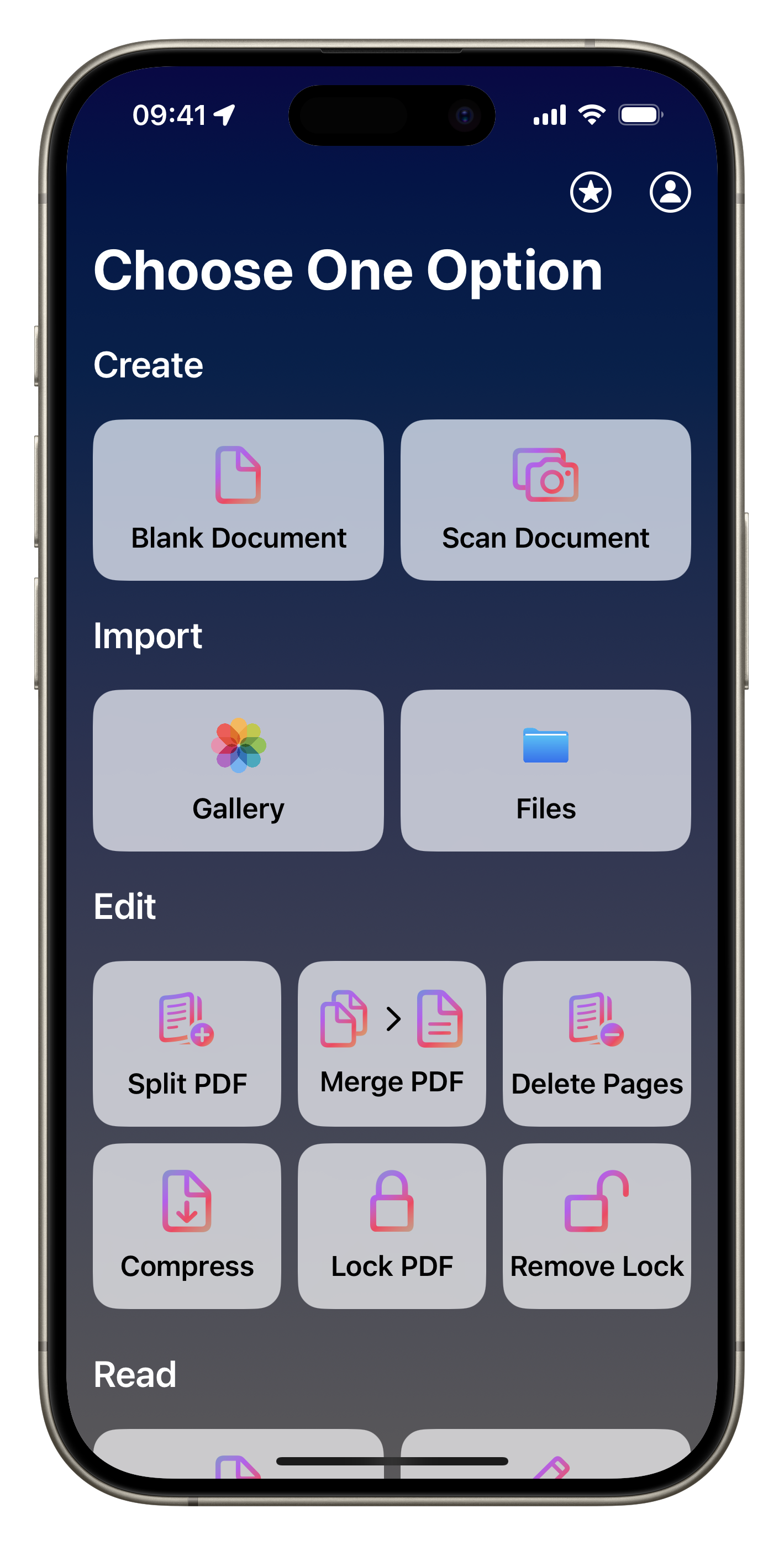
Home
One app to rule all docs
A refreshing, intuitive interface with minimal design and genuinely useful features. Built for people who love PDFs.
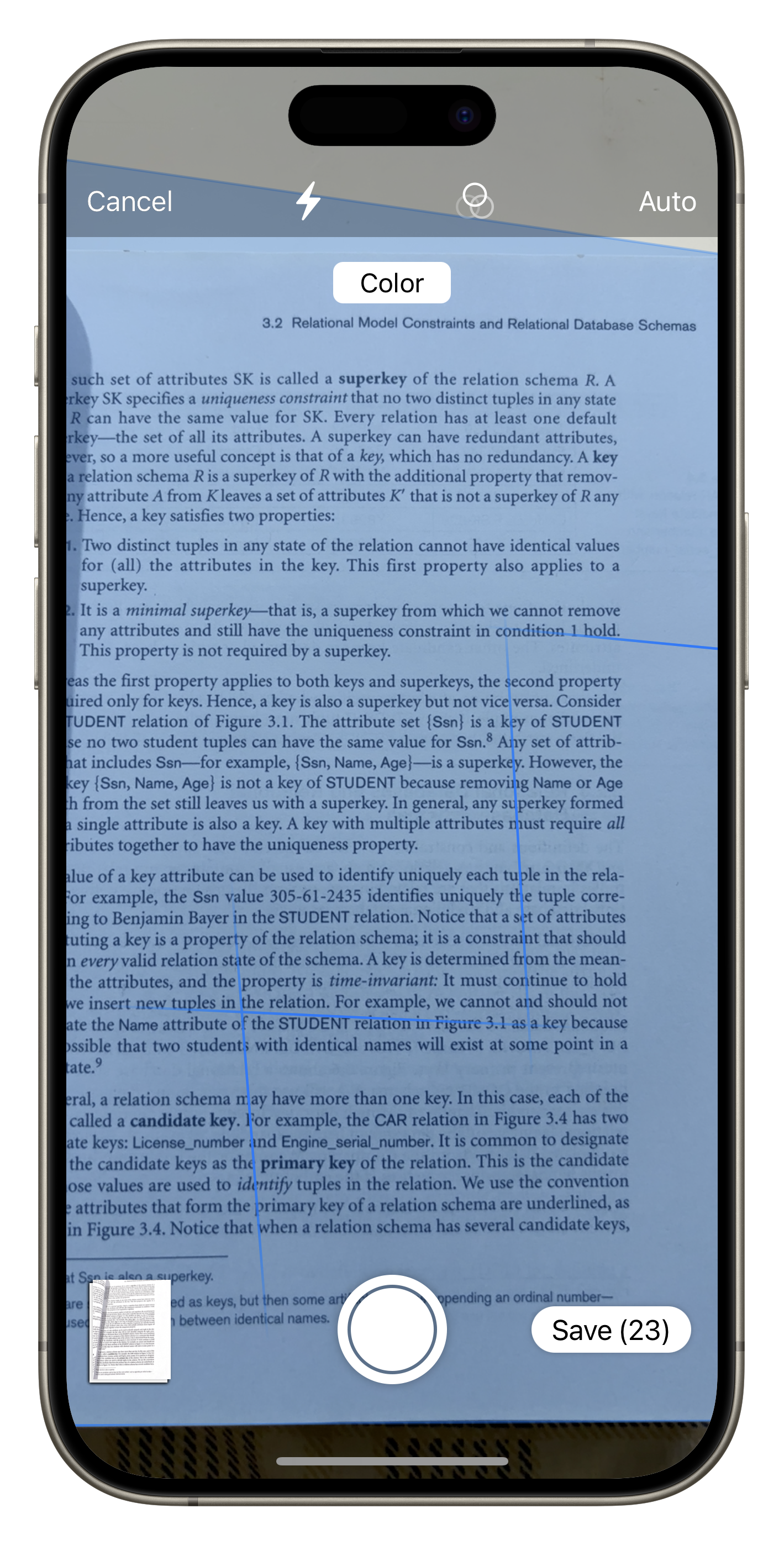
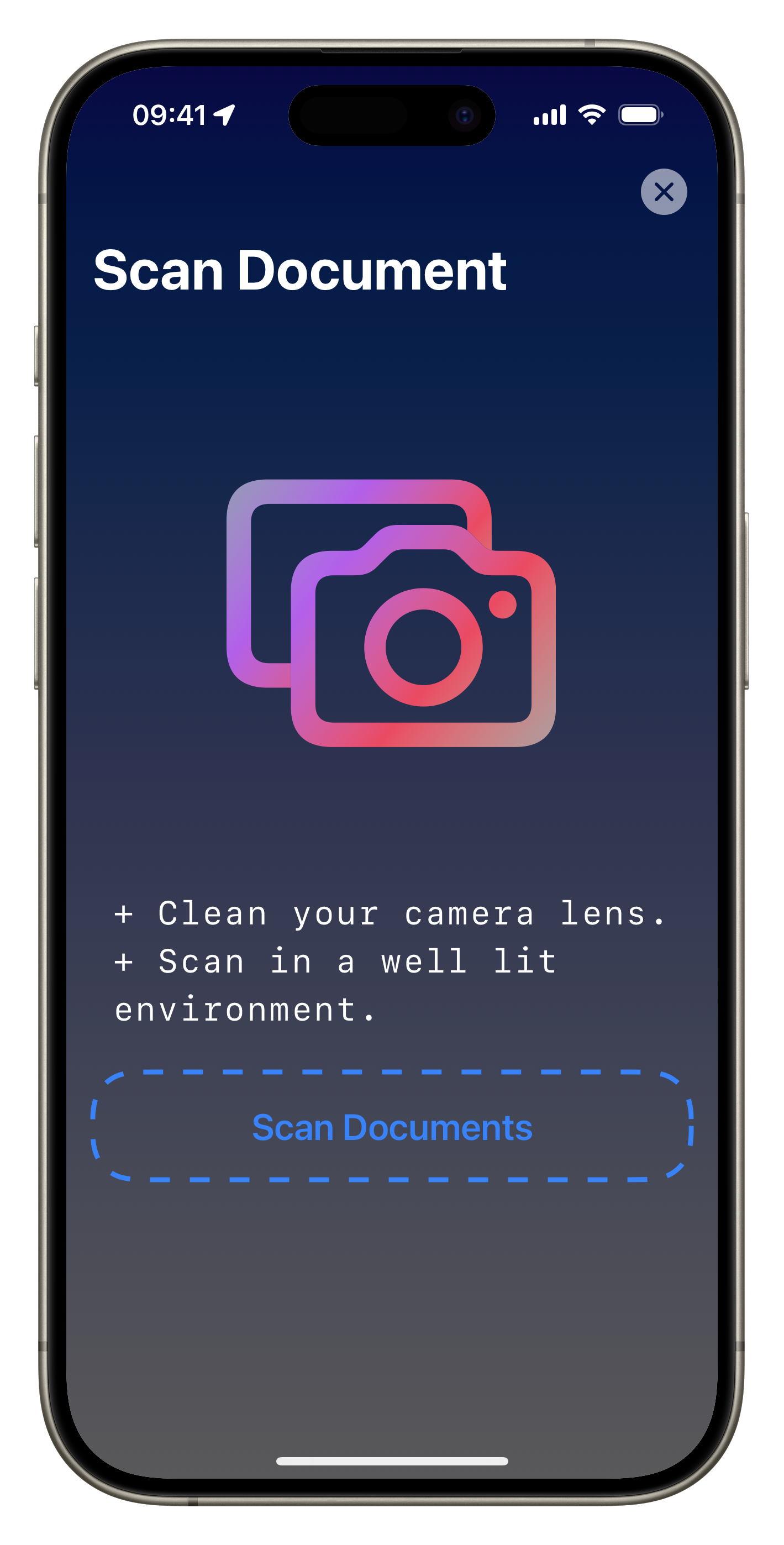
Scanner
Scan, scan and scan again
A powerful scanner is built in, so that stack of paper becomes a clean PDF without leaving the app.
Design
Design that helps you, not hinders you
We kept the flow deliberately simple from day one, so everyone can pick it up and get straight to work.
Pages
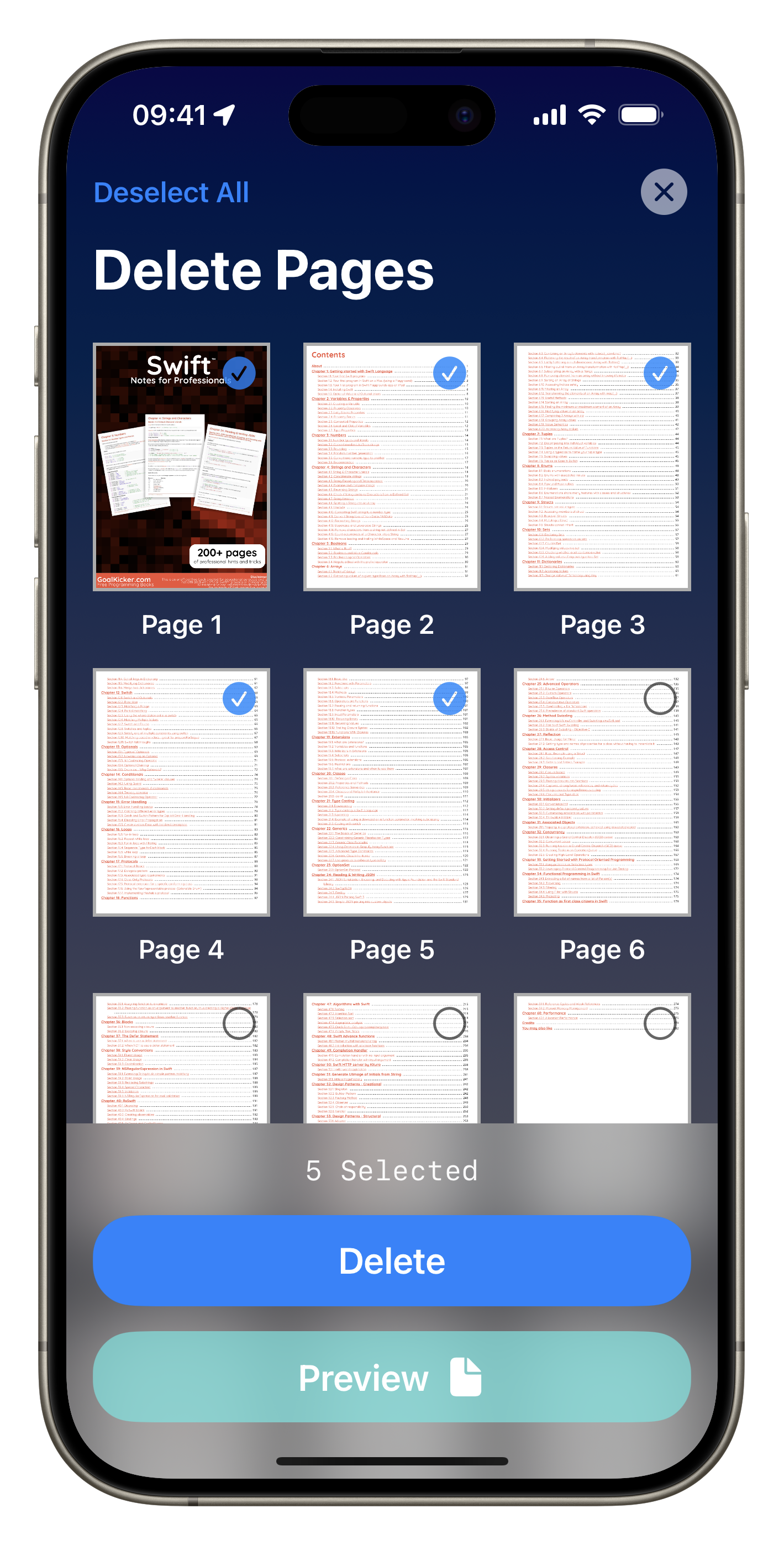
Delete pages like a pro
Manage documents and edit pages on the go. Tap, pick, done.
Privacy
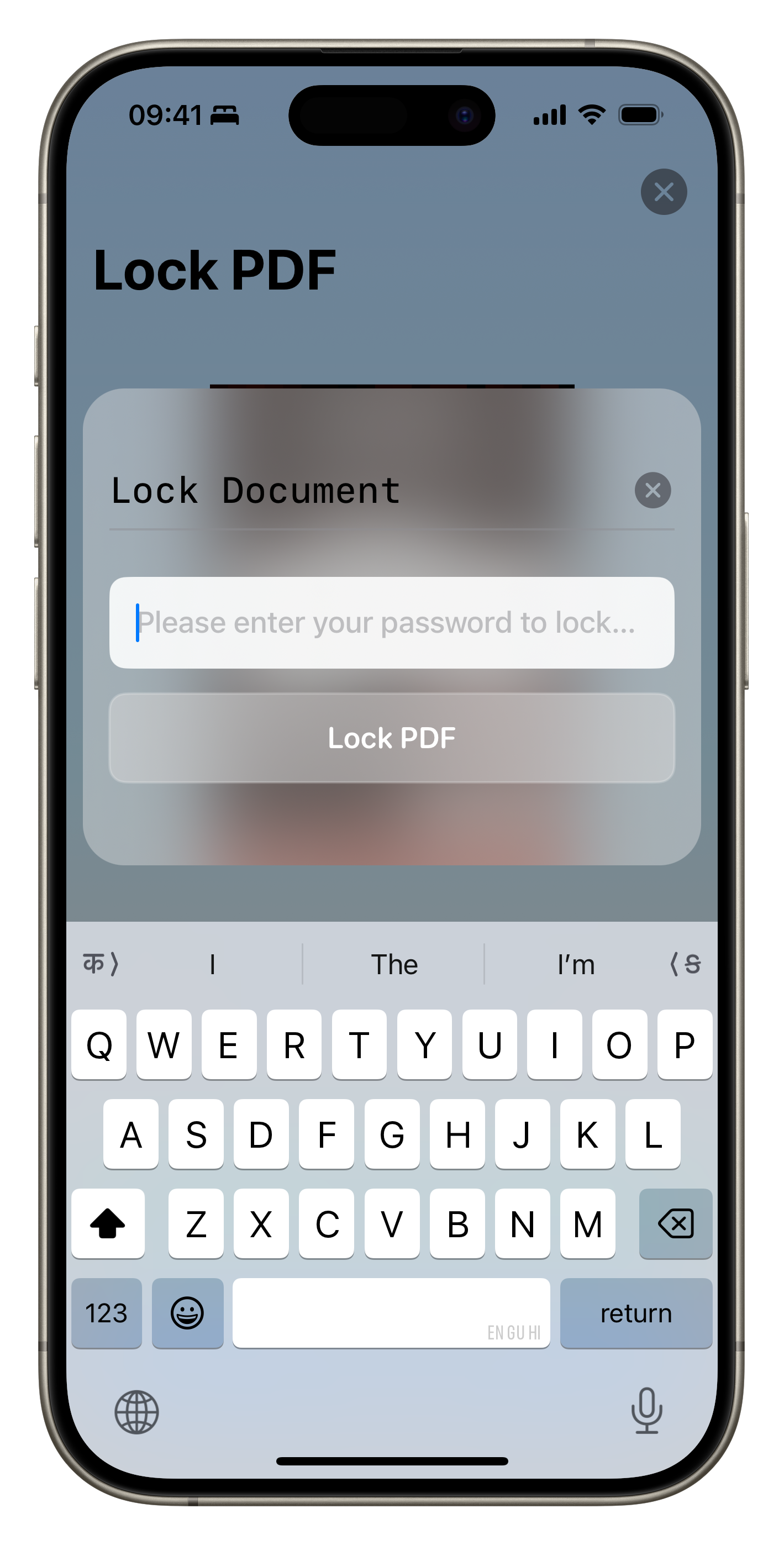
Lock and unlock your important docs
Keep your critical documents in one place, protected, and still fast to open.
AI
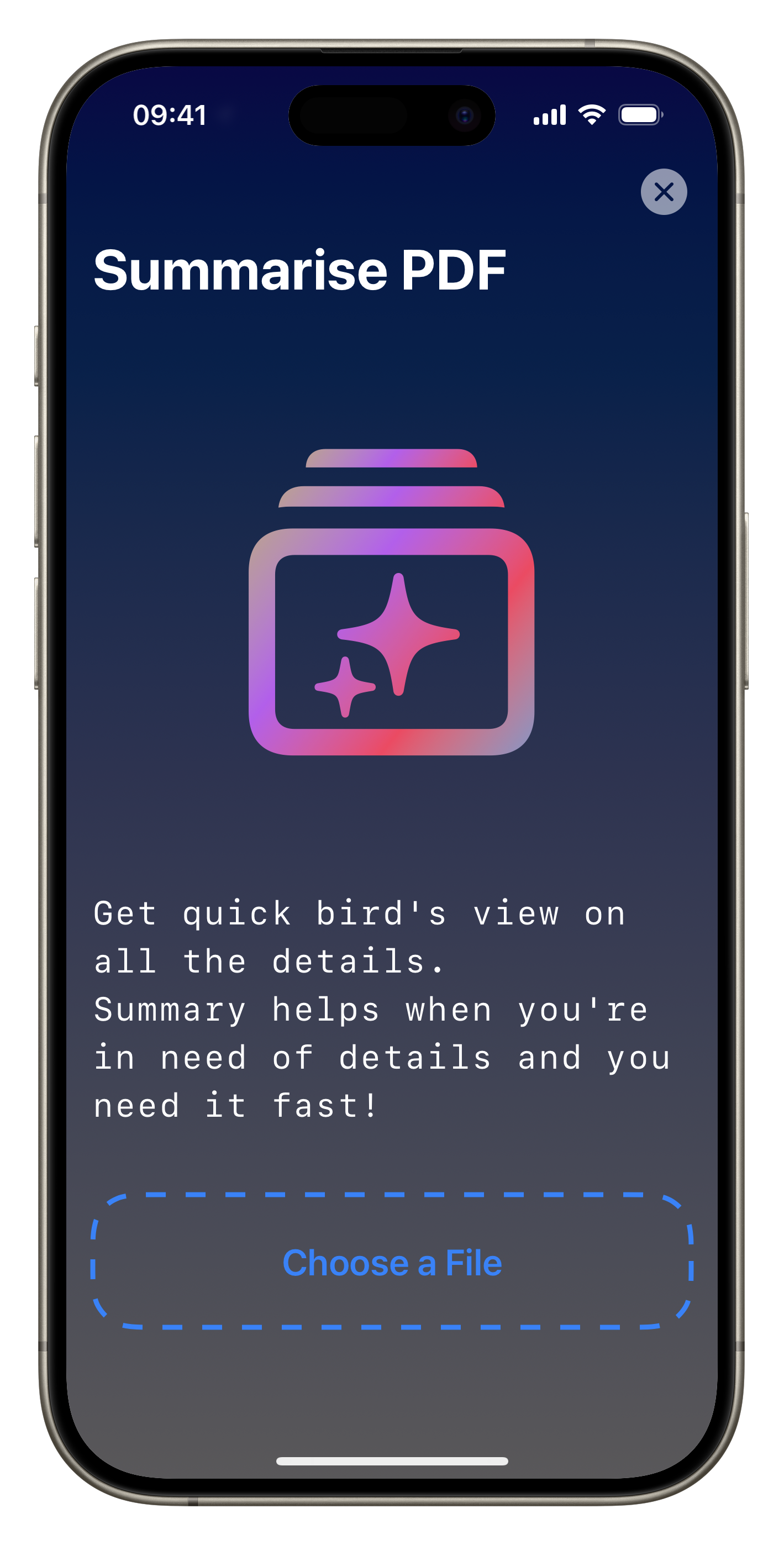
Summarise long PDFs in seconds
Get the shape of a document first, then spend your attention on the part that needs it.
Subscriptions
MarkPDF PRO
There's room to reset how we look at documents. This is our attempt at it.
Weekly
$5.99/Week
Billed weekly
- Every Pro feature
- Good for a one off job
- No free trial on this plan
Best value
Monthly
$9.99/month
7 day free trial
- Every Pro feature
- AI summaries and web page to PDF
- Priority support
Prices shown in US dollars. Your local price and billing period appear in the App before you confirm. Subscriptions renew automatically until cancelled in your Apple Account settings.