TopDrawer
One drawer for everything you save. Put a screenshot, a link, a PDF or a stray password in it, and find any of them again with one search.
Coming to iPhone. Requires iOS 26.
The idea
The things you save are never in one place
A screenshot of a Wi-Fi card goes to Photos. A link goes to a reading list you never open. A booking reference ends up in a note, or a message to yourself. When you need one of them, you go looking in four apps.
- Text, links, screenshots, images, PDFs and files
- Share to it from any app, or paste straight in
- Everything in one grid, newest and most used first
Search
It reads your screenshots, so you don't have to
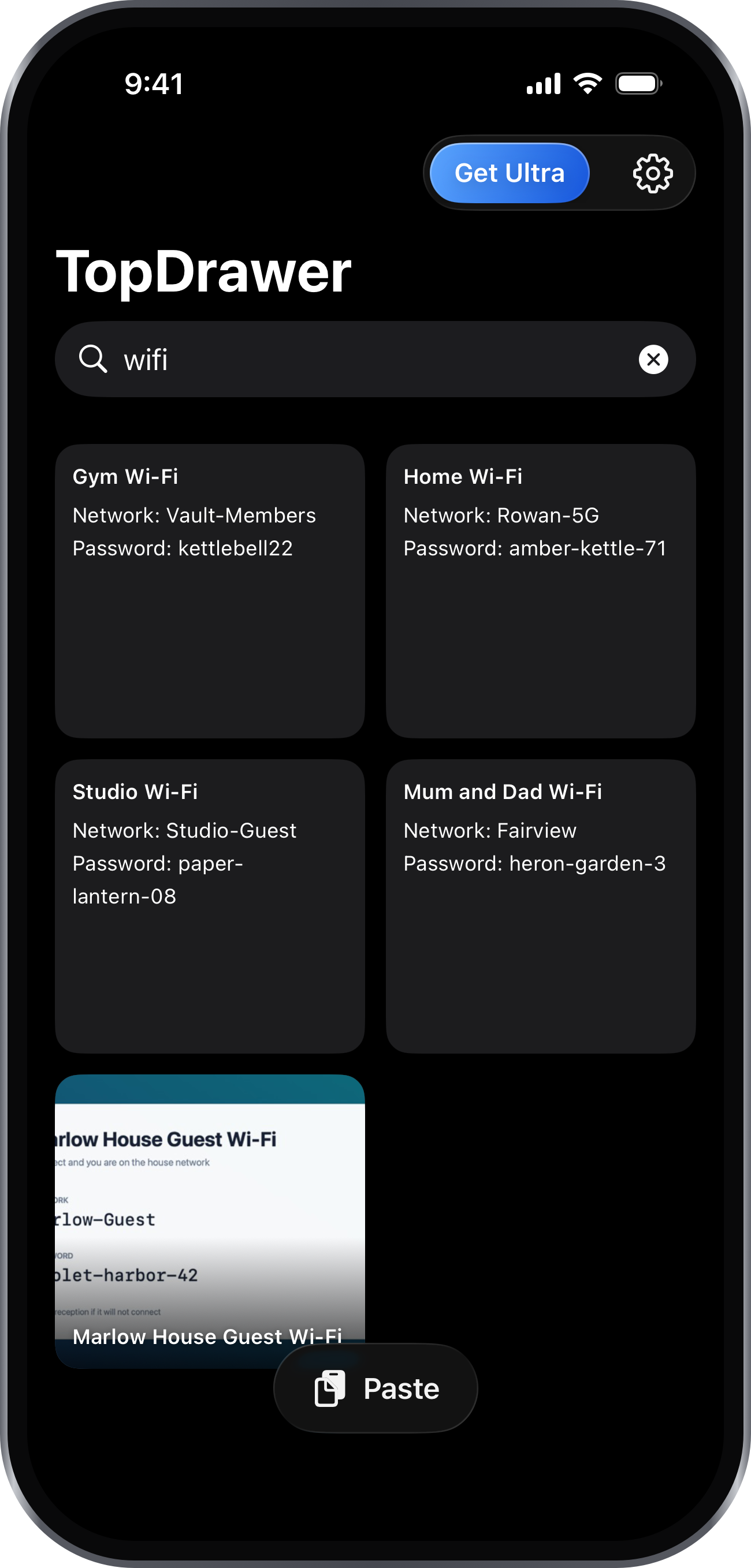
Every image and document you save is read on your iPhone, and the words inside it become searchable. The Wi-Fi password in that photo is findable by typing the password, or the hotel, or the word "network".
- Results as you type, from the first few letters
- Searches titles, notes, tags and recognised text together
- Text recognition happens on the device, not on a server
Previews
Every kind of thing looks like itself
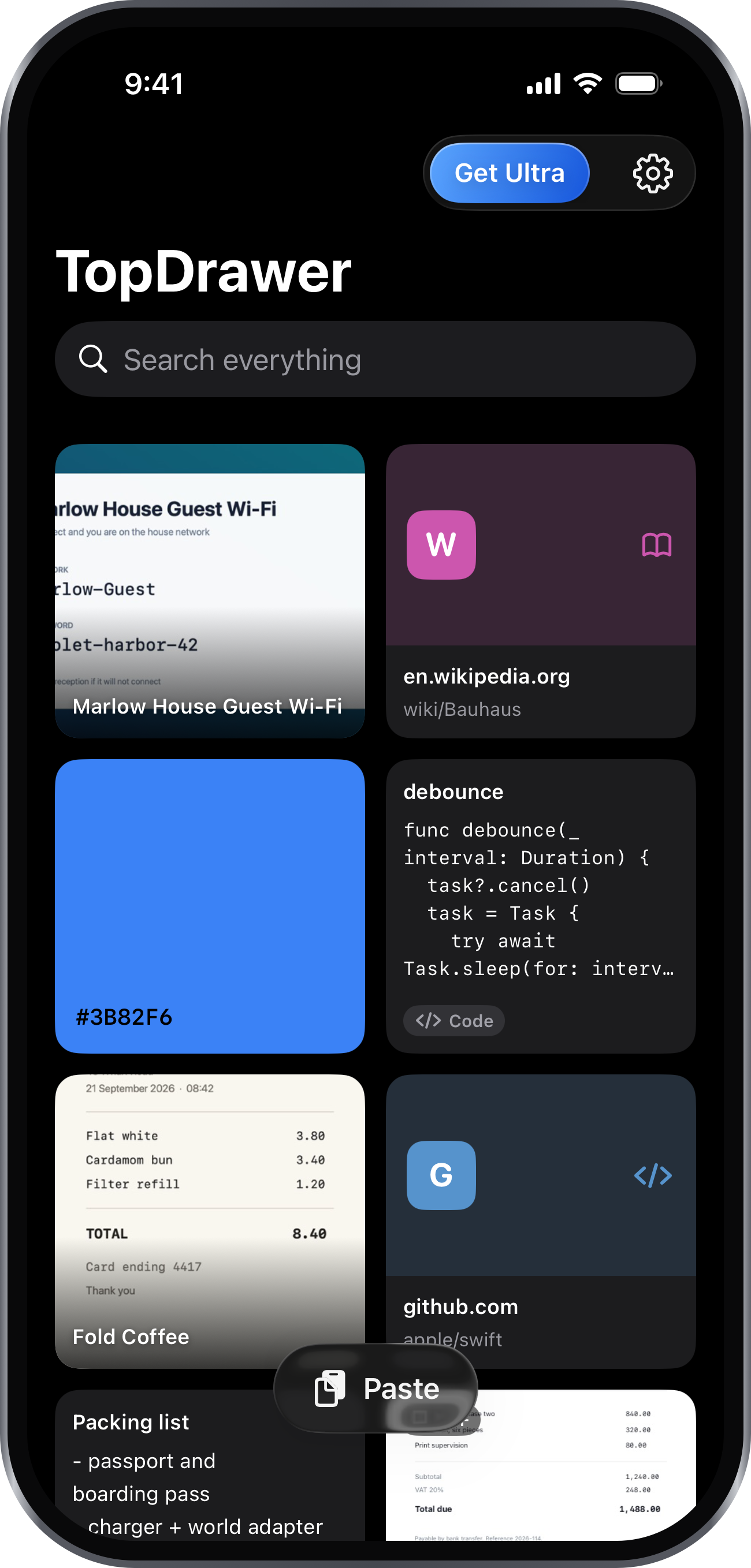
A wall of identical grey tiles is something you have to read. TopDrawer shows each item as what it actually is, so you can scan the drawer instead.
Notes show their words
Not a file name and an icon. The first lines of what you saved, set the way it deserves.
Code looks like code
A command, a JSON blob or a snippet is set in a monospaced face, because alignment is half the meaning.
A colour is the colour
Paste a hex value and you get the swatch, not six grey characters you have to imagine.
Links know where they go
The site, the path and a mark that stays the same every time, so you recognise it before you read it.
Documents open properly
A PDF is a PDF you can read and scroll, not a picture of its first page.
Pictures fill the frame
Full resolution, pinch to zoom, and one tap to copy whatever text was in them.
Everywhere else
You should not have to open it to use it
The fastest way to find something is the way that takes the fewest taps. Often that means not launching an app at all.
iPhone search
Saved items appear in Spotlight, including by the text recognised inside them. One switch turns it off, and turning it off takes them back out again.
Siri and Shortcuts
Ask Siri to search TopDrawer, or open a saved item by name. Saving is a Shortcuts action, so anything you can automate can end up in the drawer.
The share sheet
Share to TopDrawer from any app. It copies what you sent and gets out of the way, so it never stalls the app you were in.
Lock
Face ID, offered when it starts to matter
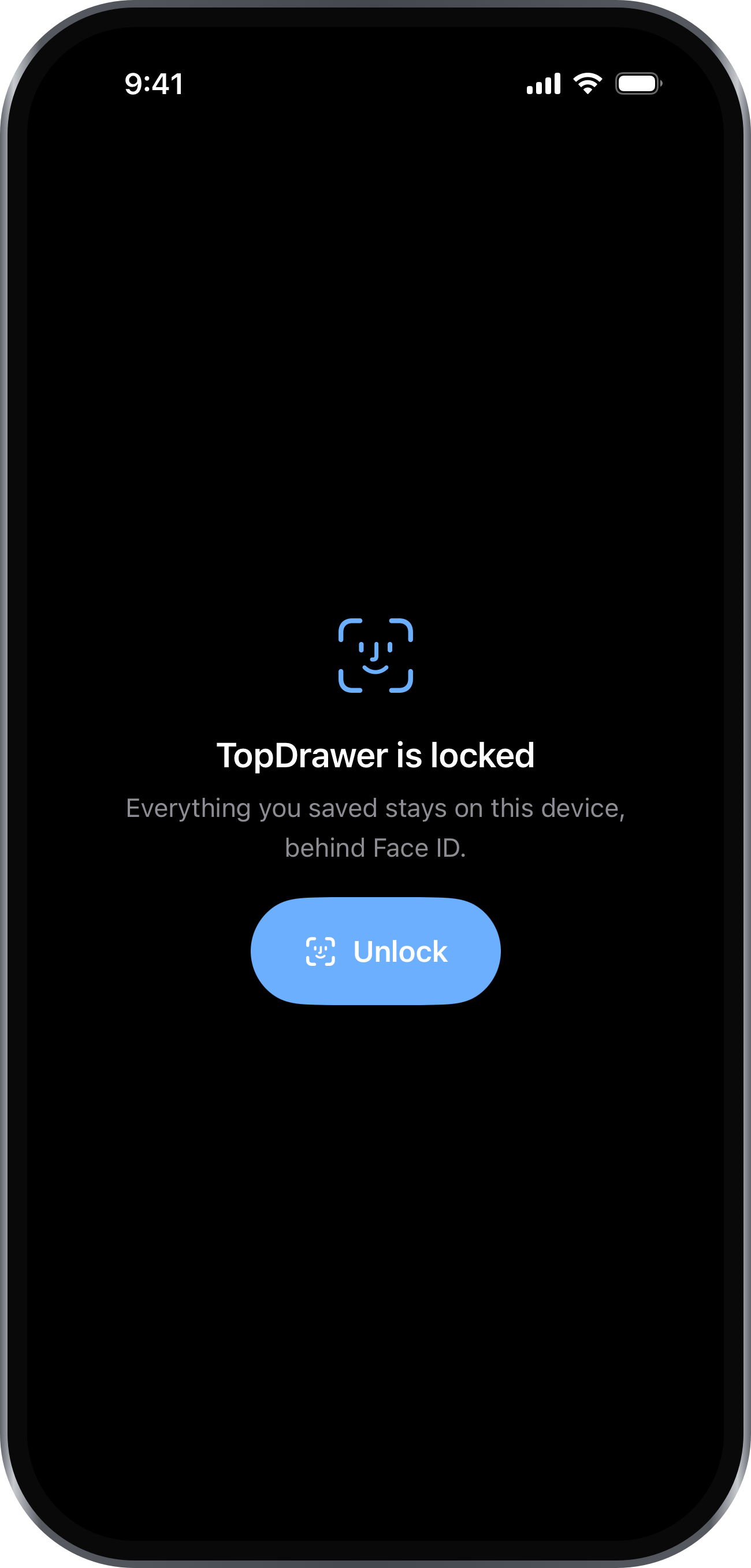
An unlocked phone handed over for a photo should not also hand over the passwords you saved. TopDrawer can sit behind Face ID, Touch ID or your passcode — and it asks the first time you save something that looks like a secret, rather than on the day you install it.
- Hidden in the app switcher while it is locked
- Stays open for a minute, so copying a password doesn't ask twice
- Falls back to your passcode, so you are never locked out
Privacy
There is no server to send it to
This is not a setting you have to find. TopDrawer has no account, no sync and nowhere to upload anything, because it was built without one.
Nothing is uploaded
What you save stays in the app's own storage on your iPhone, protected by iOS and your passcode.
The reading happens here
Text recognition and tagging run on the device, using what Apple already ships. No document is sent anywhere to be processed.
Nobody is counting
No analytics, no advertising, no tracking across other apps or sites. We do not know what you save.
Ultra
Free to use. Ultra when you outgrow it.
The free drawer holds 30 items, and every feature above works in it. Ultra removes the limit.
Monthly
$4.99/month
Billed monthly
- Unlimited items
- Everything in the free drawer
- Cancel any time
Best value
Yearly
$24.99/year
Works out around $2.08 a month
- Unlimited items
- Everything in the free drawer
- Cancel any time
Lifetime
$59.99/once
One payment, no renewal
- Unlimited items, for good
- Not a subscription
- Yours on every device you sign in on
Prices shown in US dollars. Your local price and billing period appear in the App before you confirm. Subscriptions renew automatically until cancelled in your Apple Account settings. Lifetime is a one off purchase and does not renew.